Lock in.
No bailing out.
Focus Lock is the timer that holds the door shut. Set your session, pick what's allowed through, and let the ring do the rest — deep work, protected by design.
Pomodoro timer, Schedule, App & Website Blocking, Earned Breaks, and Analytics (core stats) are all live — and we're not charging a single penny. More features are on the way, built in the open, tab by tab.


One app, seven ways to stay honest.
Focus Lock isn't just a countdown. It's the full loop — planning, locking in, and looking back — built into a single quiet sidebar.
Custom Timer & Pomodoro
Set a straight focus block or switch to Pomodoro cycles — your call, every session.
Schedule
Line up your focus blocks ahead of time so the day starts already decided.
Analytics & Insights
See where your focus minutes went — live now with core stats. Deeper insights are on the way.
Tasks
Tie what you're working on to the timer that's protecting it.
Goals
Set a target focus load for the day or week and watch the ring fill toward it.
Habits
Turn one good session into a streak worth protecting.
App & Website Blocking
Allow the tools your work actually needs — the rest waits outside the door. Active during every session.
Earned Breaks
Breaks pause the countdown instead of shortening it — rest without losing your progress.
Built around one screen you'll actually open.
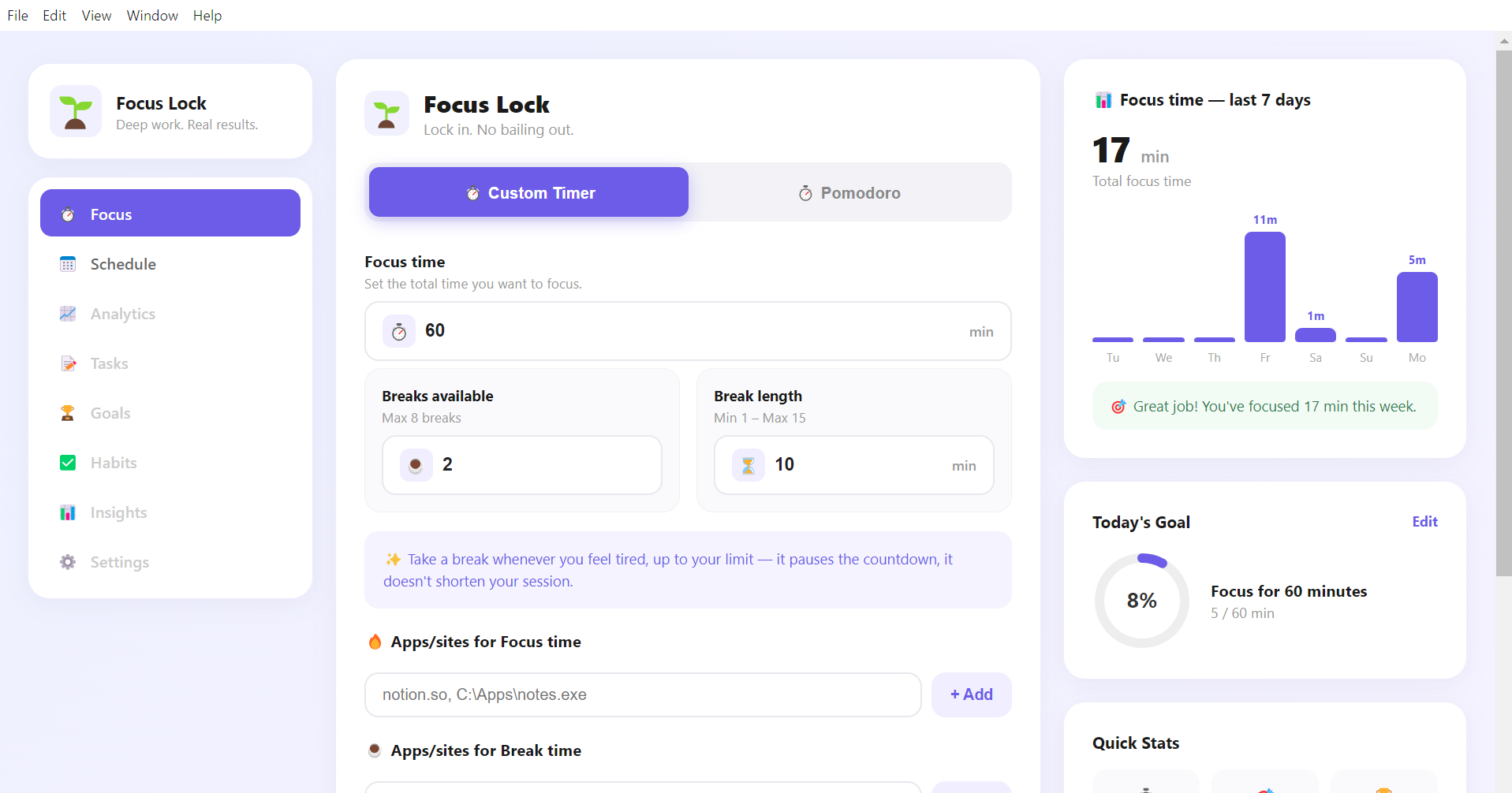
No settings maze. Set your focus time, your breaks, and what's allowed on screen — then hit start.
Set your focus time
Dial in the total minutes you want to protect today.
Choose your breaks
Up to 8 breaks, each as long as you decide — taken only when you need them.
Lock the apps that matter
Allow notion.so, your editor, your docs — everything else is blocked for the duration of your session.
Get Focus Lock — free, no strings attached.
One installer, a couple of minutes, and your first session starts today. We don't charge a single penny — more features are coming soon, and that's not changing.